

Height Settings and Memory Presets: Getting the Most From an Electric Desk
Most electric desks spend their lives at one height. The buyer meant to stand. The handset has four memory buttons and none of them has been set, so standing means holding a button for seventeen seconds while the desk hums, and after a week nobody bothers. These electric standing desk tips are about getting past that week.
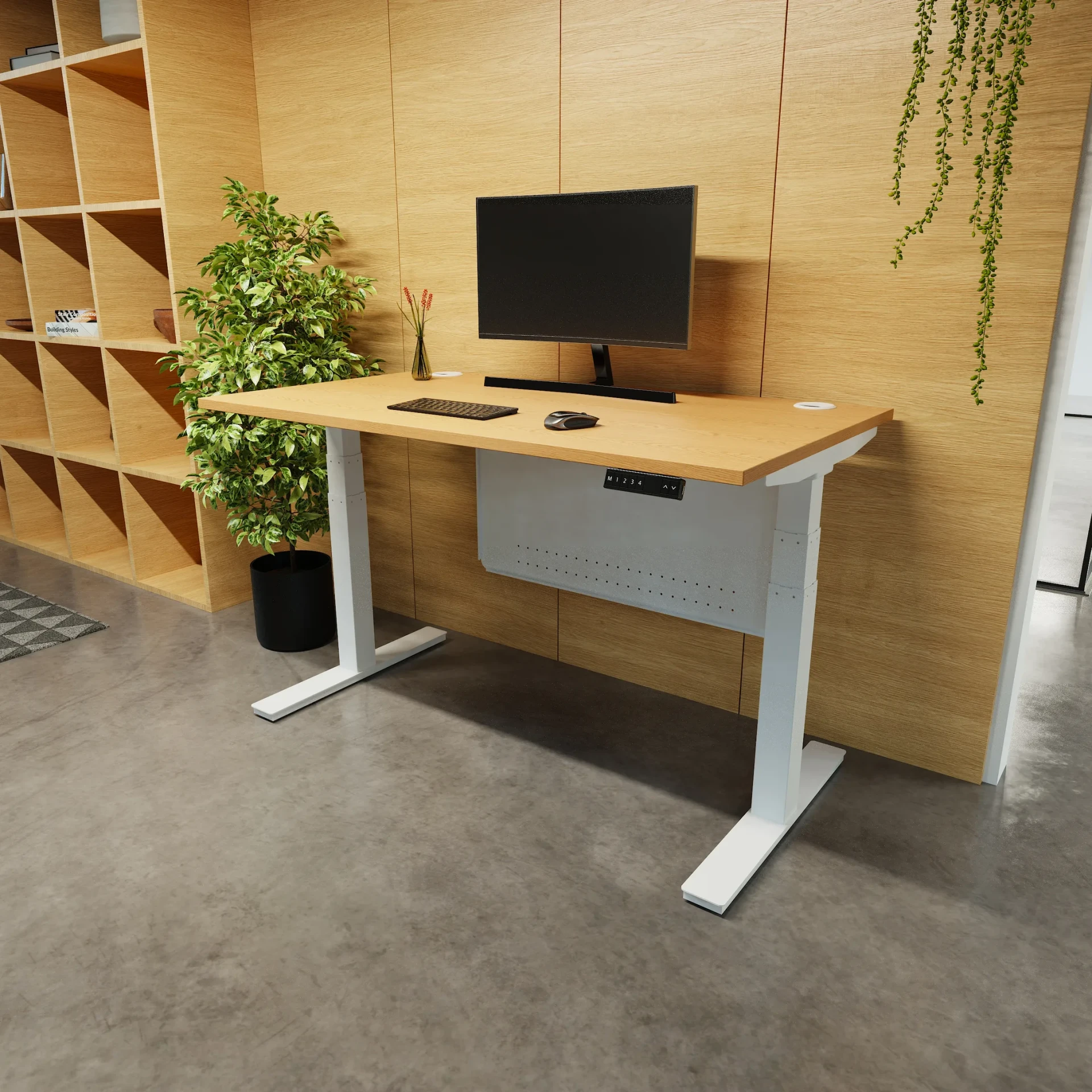
The desk in the photos below is the Air dual motor electric standing desk, and the numbers are from its spec table. The method works on any desk with presets.
Find your two heights
1. Sitting
Sit in your chair with your feet flat and your shoulders down. Bend your elbows to a right angle. The desk top should meet the underside of your forearms. Lower the desk until it does. For most people that lands between 66cm and 75cm, which is why the Air starts at 66.5cm rather than the 72cm a fixed desk gives everyone regardless. Sarah wrote up the chair side of this in her piece on setting your desk height before your chair. Do that first.
2. Standing
Stand up straight and do the same elbow test. Raise the desk until the top meets your forearms. Most people land between 100cm and 115cm, and the Air goes to 131.5cm so nobody tall runs out of travel. Do not set it a touch high because it feels more upright. A desk that is 3cm too high lifts your shoulders and you will stop using it without knowing why.
3. Store both
Save each one to a preset on the handset. The desk's manual says which button, and on most it is a hold on the memory key followed by a number. Preset 1 sitting, preset 2 standing. Now the change is one press. The desk moves at 38mm per second, so a 40cm change takes about ten seconds, and the anti-collision sensor stops it if the chair arm is in the way. That one press is the whole trick. A desk that needs a held button gets used for a fortnight. A desk with a preset gets used for years.
Build a rhythm that sticks
The research on standing desks is clearer on one point than any other: standing all day is no better than sitting all day. The gain is in the switching. What works for most people is sitting for the focused stretches and standing for the bitty ones.
Stand for the first half hour of the day, while you are reading email and have not started anything.
Sit for anything that needs typing at speed or a steady hand.
Stand for calls. You will talk more clearly, and you will end them sooner.
Stand straight after lunch, for the hour the afternoon slump usually eats.
The Air has a sit-stand reminder timer on the handset for exactly this. Set it to 45 or 60 minutes and it beeps. Press the other preset and carry on. The beep does the remembering, which is the part that fails when it is left to willpower.
The buttons people never use
Two more things on the handset earn their place. The lock stops someone resetting your presets when they borrow the desk, which on a shared bench is the difference between presets that last and presets that vanish by Wednesday. And the USB port means the phone charges on the desk rather than under it, so you are not fishing for a cable at 121cm.
If you are choosing a desk rather than setting one up, the two features that matter most for daily use are on their own pages. The standing desks with memory presets page lists every desk that stores a height, and the standing desks with anti-collision page lists the ones that stop before they hit something. A single motor desk like the Air Lite moves at 22mm per second and stores three heights, which is fine for one person at their own desk. A dual motor with four presets is the better buy for a desk two people share.
Set the two heights this afternoon. It takes five minutes, and it is the difference between an electric desk and an expensive fixed one. Our height adjustable standing desks all list their height range, speed and preset count on the spec table, so you can check before you buy that the desk will do what this post describes.
Contents

Web Developer
Keeps the site quick, honest and free of the usual dark patterns.