

Ergonomics 101: Set Your Desk Height Before Your Chair
Almost every ergonomic desk setup I see has been done in the wrong order. Somebody buys a good chair, sits in it, finds their arms are at the wrong angle for the desk, and drops the seat until their elbows line up. Now the chair is too low for their legs, their feet dangle or their knees ride up, and the good chair gets blamed.
The order matters more than the equipment. Here is the version that takes ten minutes and costs nothing.
Start with your elbows, not the furniture
Stand up straight, arms by your sides, then bend your elbows to ninety degrees with your forearms level. Get somebody to measure from the floor to the underside of your forearm. For most adults that lands somewhere between 65cm and 75cm.
That measurement is your desk height. Not a number from a catalogue, not whatever the desk came at, yours. If you work standing as well, do the same thing standing and you have your second number.
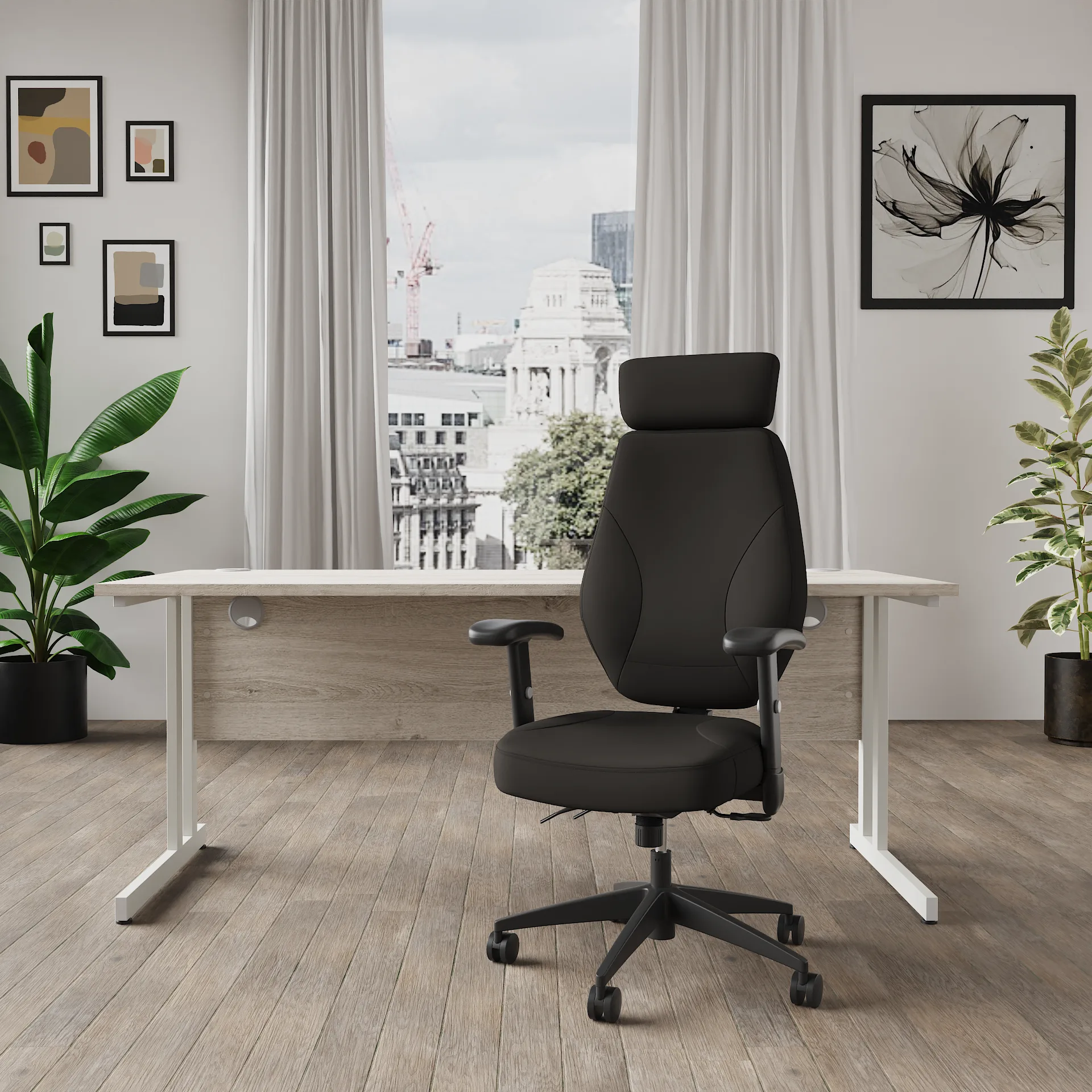
Set the desk to that number
If you have a height adjustable desk, this is a thirty second job and you should do it properly rather than settling for a height that felt about right in week one. Save it as a preset so you can get back to it after somebody else has borrowed the desk. A desk with memory presets makes that a button rather than a fiddle.
If your desk is a fixed height, it is almost certainly around 73cm, which suits people of average height and nobody else. You cannot change the desk, so change your relationship to it: raise the chair to put your elbows level with the top, and then deal with your feet, which is the next step and the one everybody skips.
Now the chair, and then your feet
Raise the seat until your forearms are level with the desk top. Sit right back so your lower back is against the backrest, and set the back height so the lumbar curve lands in the small of your back rather than up near your shoulder blades.
Then look at your feet. If they are flat on the floor with your thighs roughly level, you are done. If they are dangling, you need a footrest, and this is not a luxury item. Dangling feet put the whole weight of your legs on the front edge of the seat, which is why shorter people so often say every chair digs into their thighs.
A stack of reams of paper works perfectly well as a footrest, and I have used one for years.
Every chair digs in when your feet cannot reach the floor. It is rarely the chair.
The screen goes last
With the desk and chair sorted, sit normally and look straight ahead. The top of your screen should be at or just below eye level, and roughly an arm's length away. Most people have theirs too low, because a laptop on a desk puts the screen about 30cm below where it wants to be.
If you work on a laptop all day, a stand and a separate keyboard fixes more neck ache than any chair ever will. It is the cheapest change on this list by a distance.
The five minute check
Do this once a month, or whenever something starts aching.
Forearms level with the desk, shoulders down and relaxed.
Lower back against the backrest, with the lumbar curve in the small of your back.
Feet flat on the floor or on a footrest, thighs roughly level.
Top of the screen at eye level, about an arm's length away.
Two or three fingers of gap between the seat edge and the back of your knee.
None of this requires new furniture. If your desk will not reach your number, a height adjustable desk solves it permanently, and an ergonomic chair with an adjustable back and lumbar gives you the range to get the rest right. But do the ten minutes with what you already own first. Quite often that is the whole problem solved, and the aching stops before anything arrives. And if the lumbar curve is the part you cannot get right, office chairs with adjustable lumbar support are listed together.
Contents

Customer Experience Manager
Makes sure every order feels handled by a person, not a portal.