

Ergonomics on a Small Budget: What to Fix First
If the budget is small, the order you spend it in matters more than the amount. Most people reach for a new chair first. A chair helps, but it is rarely the cheapest fix and it is not always the one that matters most. Here is the order I would work through for budget office ergonomics, starting with the things that cost almost nothing.
1. Get the screen to the right height
This one is nearly free, and it fixes more neck and shoulder trouble than anything else on the list. The top of the screen should sit at about eye level, an arm's length away. Most people have it too low, so they spend the day looking down.
Until you can buy something better, put a stack of books or a ream of paper under the monitor. If you work from a laptop, raise it and use a separate keyboard, otherwise the screen and the keys fight over the same height. When you are ready to spend, a monitor arm gets the screen to exactly the right place and gives you back the desk space underneath. The quick release gas spring monitor arms take a single or dual screen, and they come off the mount when you need to move them.
2. Adjust the chair you already have
Before you replace a chair, find out what it can do. Most task chairs have more adjustment than anyone uses. Work through it in this order:
Seat height: feet flat on the floor, thighs roughly level.
Seat depth, if the chair has it: a couple of fingers of space behind the knee.
Backrest: the lumbar curve should meet the curve of your lower back.
Arms: elbows at about 90 degrees with the shoulders relaxed, not hitched up.
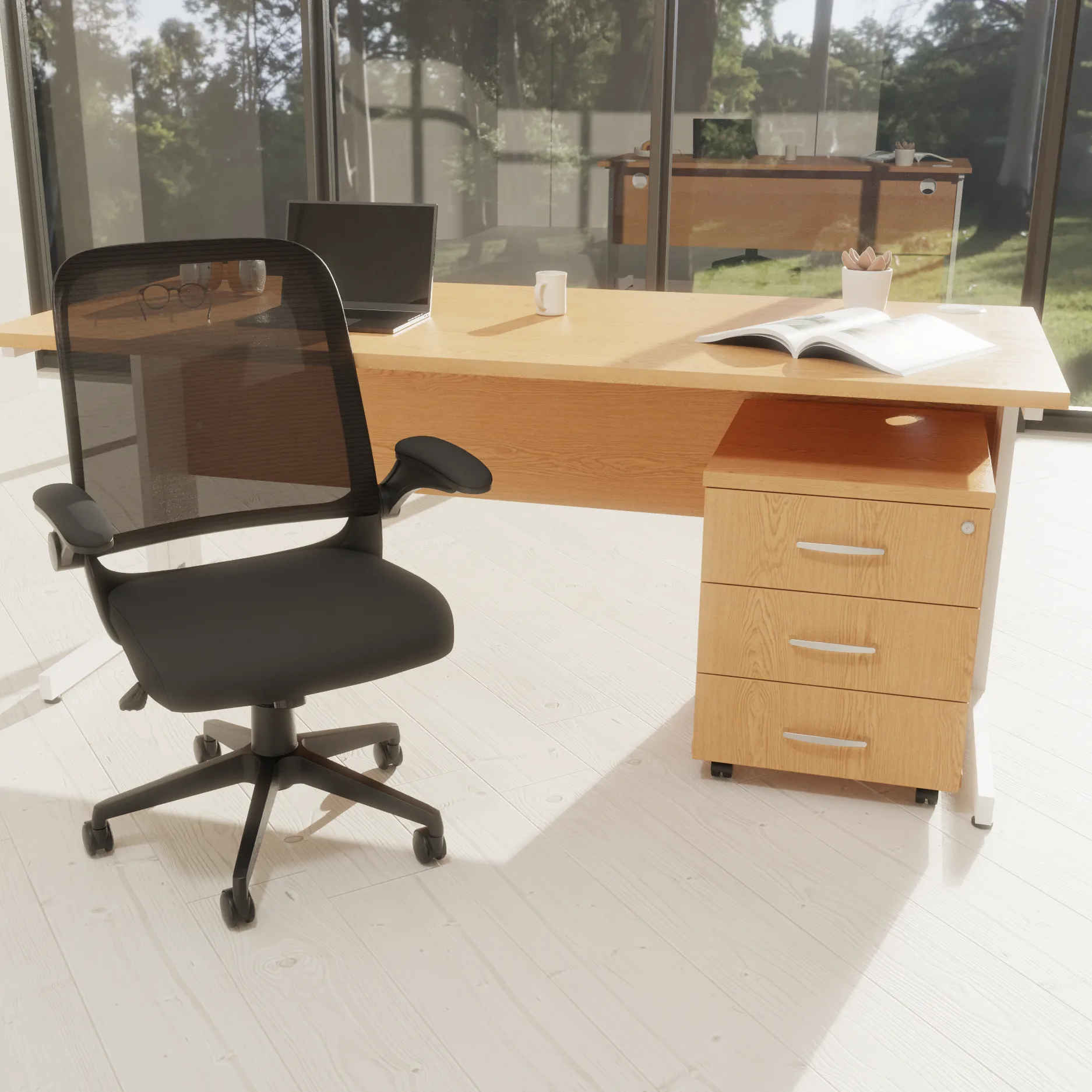
If you do need a new chair, check what the specification says before the price. The Crew 2 mesh back task chair has a gas lift seat height of 39cm to 49cm, built-in lumbar support, a lockable tilt with tension adjustment, and folding arms. It is rated for 8 hours and carries a 5 year guarantee on the mechanical parts. For a wider look at what is on offer without stretching the budget, our office chairs under £250 page is a good start. Everything on it is priced ex VAT, with the figure on the page the figure you pay.
3. Clear the desk, then arrange it
A cluttered desk makes you reach, twist and lean. Put the things you use every few minutes within a forearm's length, and push the rest back. The keyboard and mouse should be close enough that your elbows stay by your sides. A bin or a box under the desk where your feet should go counts as clutter too, and so does anything that stops you sitting square to the screen.
This costs nothing, and it takes about ten minutes.
4. Then everything else
Once the screen, the chair and the desk are right, the extras start to earn their place:
A footrest, if your feet do not reach the floor once the seat is at the right height.
A chair mat, if the chair keeps drifting or the carpet is wearing through.
A proper break every so often. No furniture does this for you.
If you have been in pain for more than a few days, or it is getting worse, please see a professional. Furniture can help with comfort, but it is not a treatment.
Budget office ergonomics: a plan for the first month
Week one: sort the screen height and the chair settings. Week two: clear and rearrange the desk. Week three: see what still bothers you. Week four: spend the money on that one thing. You will be buying against a real problem rather than a hunch, and that is the cheapest way to get ergonomics right.
Contents

Customer Experience Manager
Makes sure every order feels handled by a person, not a portal.