

Cable Trays, Spines and Grommets: A Field Guide
Look under most office desks and you will find a nest. Monitor leads, a laptop charger, a phone cable, a power strip balanced on the floor, and one mystery cable that nobody dares unplug.
It does not have to be like that, and the parts that fix it are cheap. The trouble is that they all look similar in a product list. So this is an office cable management guide written as a field guide: what each thing is, what it does, and where you will find it.
The three parts
There are three jobs in cable management, and one part for each.
Get the cables through the desktop. That is the grommet.
Carry them along under the desk. That is the tray.
Bring them down to the floor. That is the spine.
Most tidy desks have all three. Most messy desks are missing one, and you can usually tell which from the shape of the mess.
Grommets, or cable ports
A grommet is a hole in the desktop with a cover on it. Cables drop through it instead of spilling over the back edge, and the cover stops pens following them.
They earn their hole where a desk sits away from a wall, or where the back edge is visible: bench desks, meeting tables, a desk facing the door. Against a wall you can often run cables down the back and skip the hole altogether.
Our desks call them cable ports. On the Air height adjustable desk, for example, they are an option you choose on the desk page. If you are buying desks at the same time as the power, choose it there and the cut-out is made before the desk is packed. Far better than meeting a drill and a jigsaw on day one.
Trays
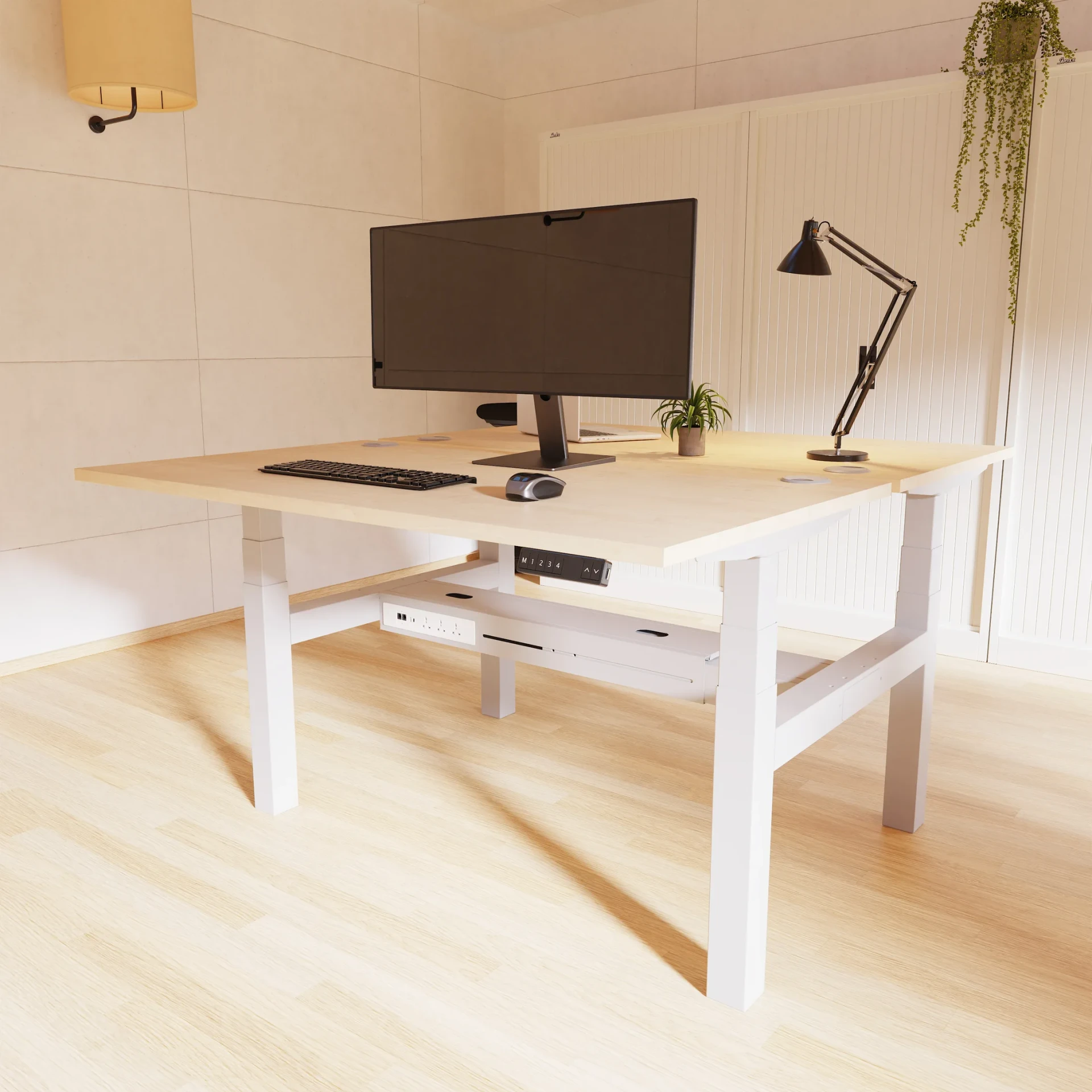
A tray hangs under the back of the desktop and holds the cables, power strip and chargers along its length. It is where the bulk goes.
The universal telescopic under-desk cable tray extends from 66cm to 115cm, so one tray fits a range of desk widths. It is metal, comes in white, black or silver, and carries a 5 year guarantee. Bench desks have their own versions that sit down the middle between two rows. Ours include an Oslo bench tray made of open steel, which helps keep transformers cool, and a telescopic tray for back-to-back Evolve and Impulse benches that runs from 137cm to 177cm.
A tray is the single best thing you can add to a messy desk. If you buy one part, buy this.
Spines
A spine is the vertical part. It runs from the tray or the underside of the desk down to the floor, and gathers everything into one tidy column instead of a curtain of loose leads.
For a fixed-height desk, a rigid spine does the job. The universal cable management spine for Impulse, Evolve and Oslo desks stands 63cm tall and comes in black, grey or opaque.
A height adjustable desk is different. The distance from desktop to floor changes every time someone stands up, so the spine has to move with it. The Impulse cable spine for height adjustable desks is 130cm long and flexes as the desk rises and falls. Without one, the cables either hang slack at sitting height or pull tight at standing height. Neither ends well.
Powering a bench of six
This is where it all comes together. Six people, six screens, six laptops, and ideally one wall socket rather than six extension leads.
The answer is power modules that chain together. A Volta under-desk module puts three sockets and USB charging under each desk. The first module takes power from the wall through a Volta mains lead with a fused UK plug, which comes in 100cm, 200cm and 400cm lengths. Each module then links to the next with a connecting chain cable, so the whole run shares a single supply.
Put the modules in the trays, run the mains lead down one spine at the end of the bench, and you have six powered desks with one cable reaching the floor. It is still one wall socket, though, so use it for the screens, computers and chargers it is meant for. The office fan heater can find its own socket.
If you are working out what you need, every tray, spine and basket is in our cable management category, with sizes and guarantees on each page.
Contents

Web Developer
Keeps the site quick, honest and free of the usual dark patterns.